ColorSnapper 2
The color picker for Mac that makes it easy to inspect, adjust, organize, and export precise color values of any pixel on the screen.
- Invoke the magnifying glass using menu item or a global shortcut
- Choose a pixel on the screen. Activate Hi-Precision mode for more accurate selection
- Choose a format of your choice and hit ↩︎ or press ⌥ to use previous format
- Press ⌘V to paste the color into your code editor with your code style
New Magnifying Glass
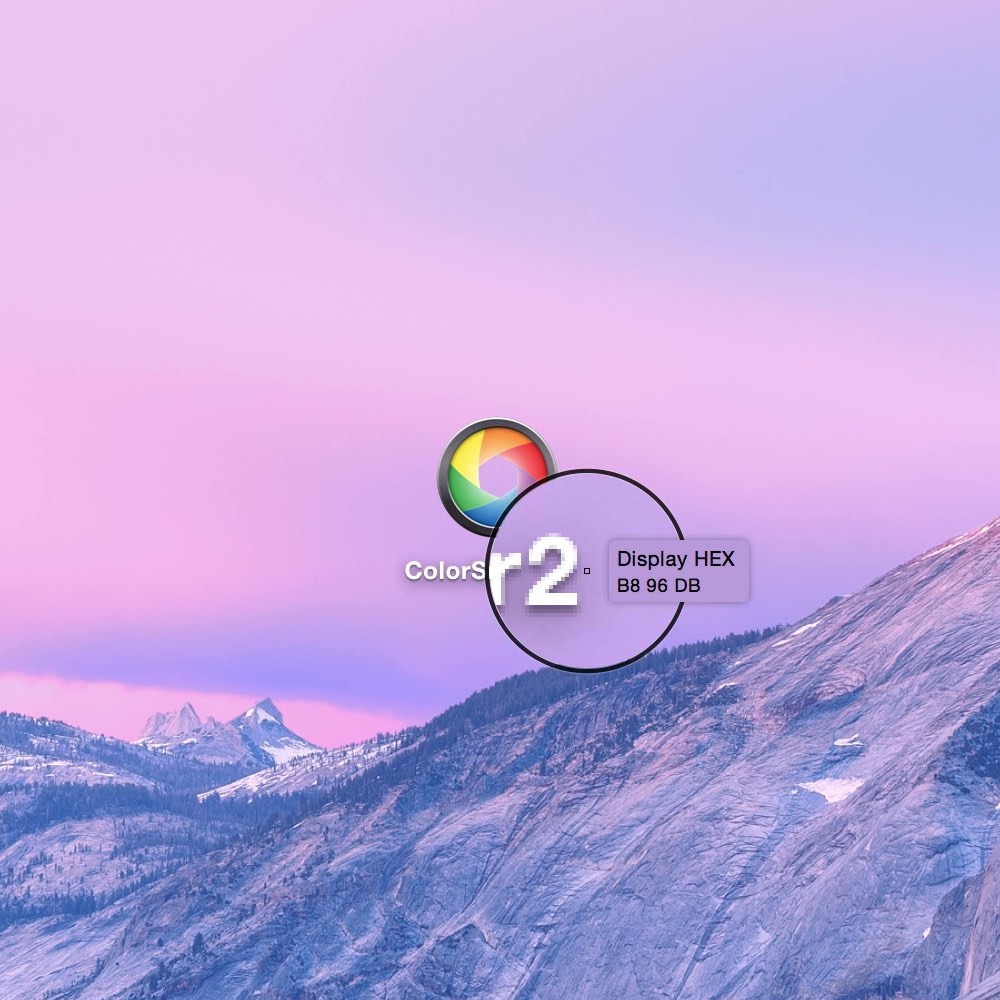
The original ColorSnapper magnifying glass – introduced in 2010 and adopted by every modern color picker app since then – just got even better!
It works with multiple displays, different resolutions and with different pixel density. You can switch between Spaces and Applications having the magnifying glass on the screen.
-
Introducing Hi-Precision Mode
Allows to choose every physical pixel on a retina screen, but also works great on displays with normal pixel density by increasing mouse sensitivity and magnification level.
-
Control with gestures & keyboard
Zoom in & out, change diameter, cycle through formats or move pixel by pixel using gestures and keyboard shortcuts.
Organize, adjust & export colors with style
ColorSnapper 2 is designed for macOS and supports both light and dark appearances.
-
Favorites & History
Mark colors you regularly pick as favorites or go back in time to hundreds of colors.
-
Modify colors
The new user interface seamlessly integrates with Apple’s Color Panel so you can adjust colors before you export them.
-
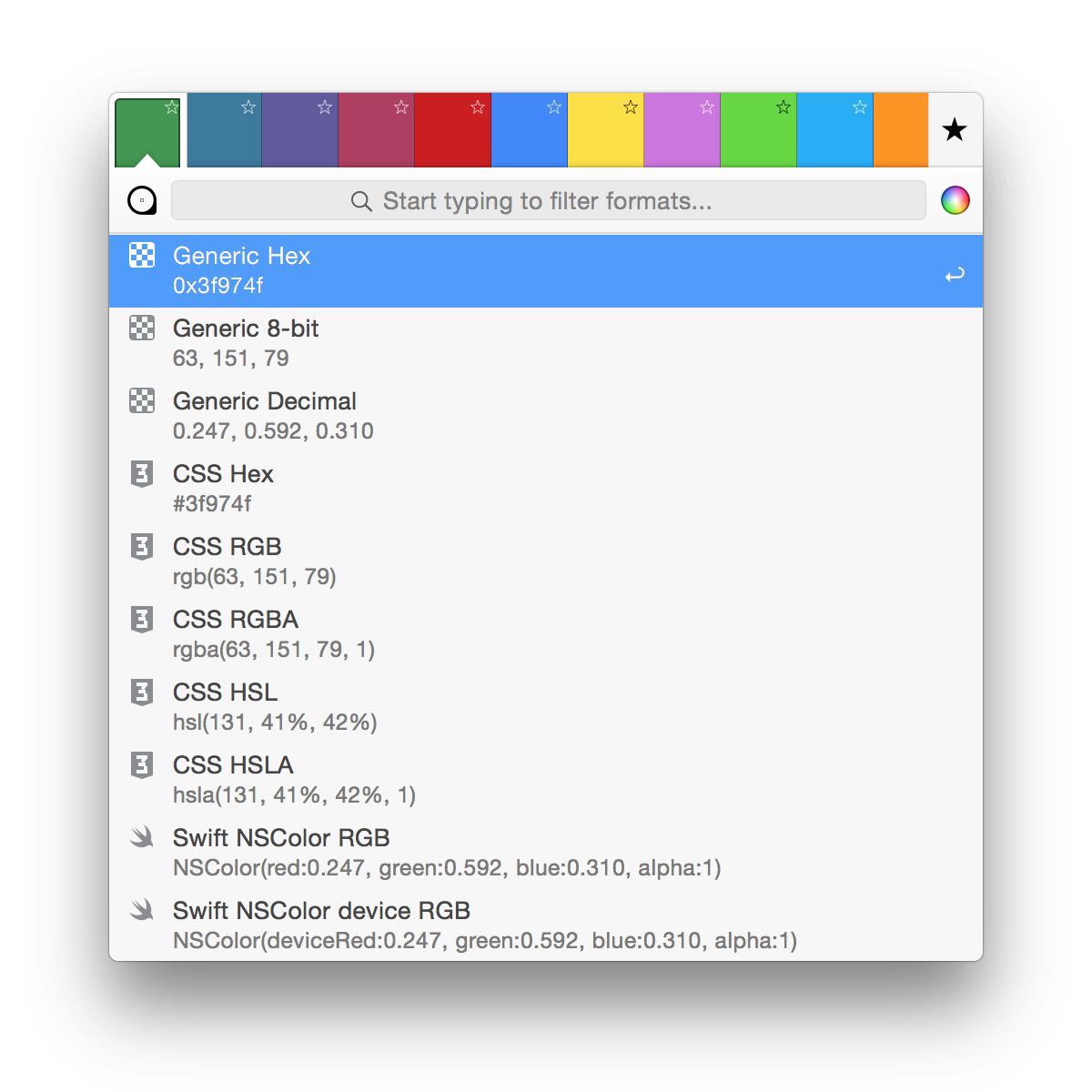
Quick formats filter
Start typing to quickly search through more than 30 export formats.
Match your coding style
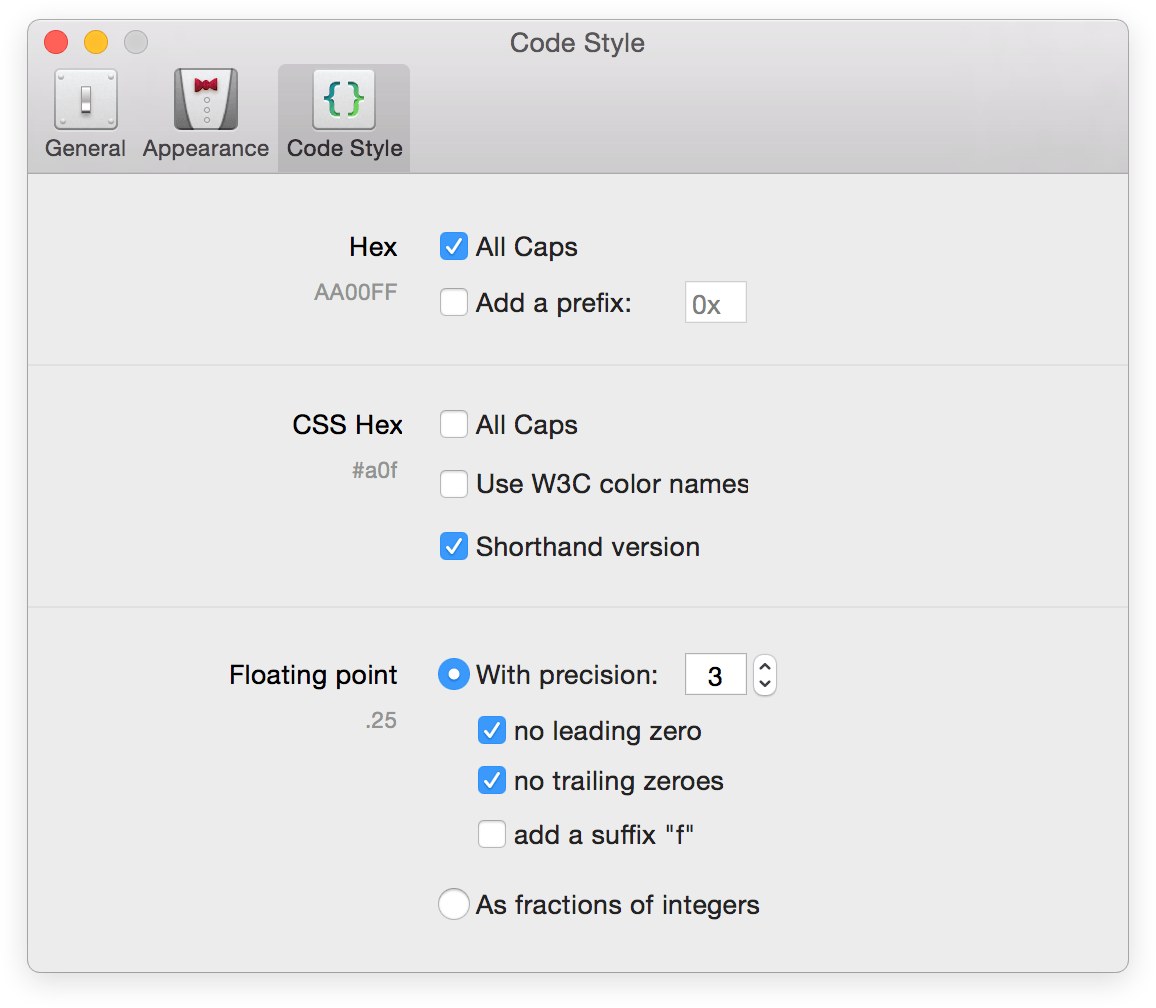
ColorSnapper 2 allows you to match the color export format to your coding style. Along with all new supported formats, including Generic, CSS, NSColor, UIColor, Swift, Android, Java, .NET, CGColor, and OpenGL this results in even faster developer workflow.
Accurate color values
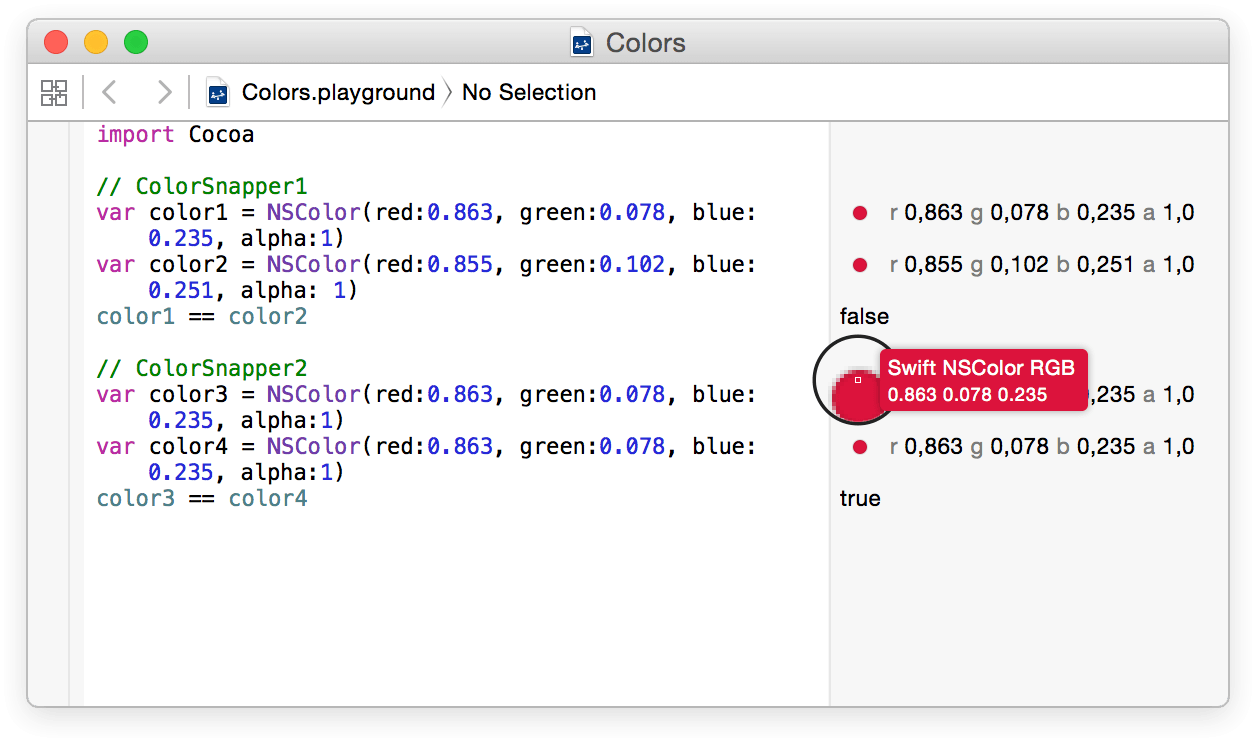
The new color picker automatically converts colors picked from native OS X applications, including Safari and Xcode from your monitor’s color profile to sRGB. This means, you’ll get the same 1 RGB values as those used in your code.2
1 There may be small conversion differences when picking colors from monitors with a smaller color space than sRGB.
2 Non-native applications and applications that are not using the Cocoa framework are not affected by conversion issues.
And even more…
-
Photoshop & Illustrator Integration
Control foreground and background colors directly from ColorSnapper in your favorite designer tools. No settings: it just works!
-
Capture Screenshots
The new magnifying glass can be used as a review tool. Press P to copy the zoomed image into clipboard.
-
ColorSnapper API Soon
Having command-line access to the magnifying glass allows developers to write plugins for popular code editors or integrate with graphic software.
Adobe Photoshop and Adobe Illustrator are registered trademarks of Adobe Corp.